
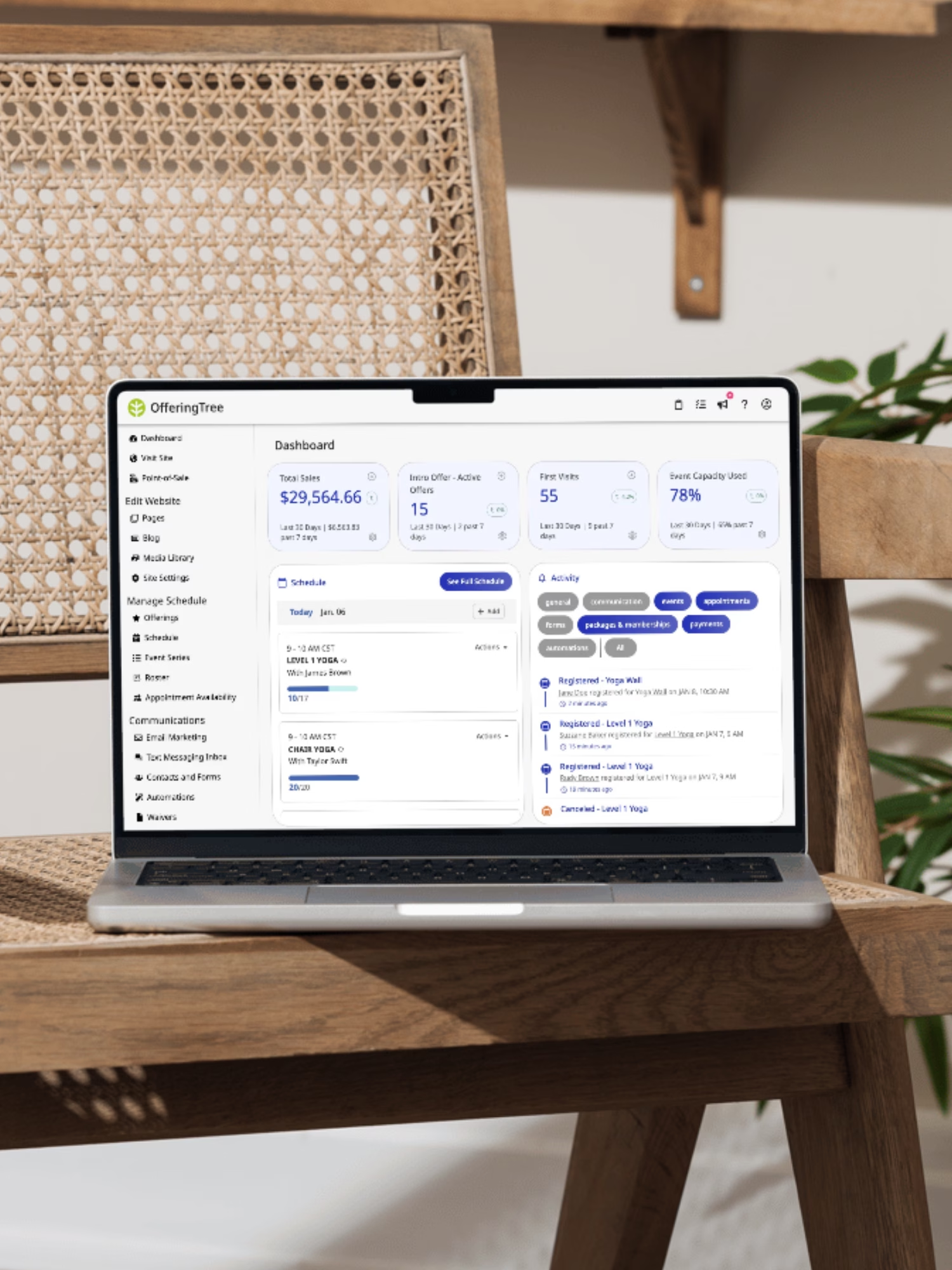
Why choose OfferingTree vs Punchpass?
What sets OfferingTree apart
| Features | OfferingTree | Punchpass |
| No Commitment Month-to-Month Billing | ✔ | ✔ |
| Lead Generation | ✔ | ❓ |
| Schedule Management + Advanced Booking Features | ✔ | ✔ |
| Client Management Tools | ✔ | ✔ |
| On-Demand Video Library | ✔ Unlimited | ⚠️Capped by tier |
| Advanced Email Marketing + Marketing Automations | ✔ | ⚠️Basic email included; campaigns via integration |
| 2-Way SMS + SMS Marketing | ✔ | ❌ |
| Self-serve Free Trial | 14 Days | 14 Days |
| Free Data Migration and 1:1 Onboarding | ✔ | ⚠️Free data migration support; 1:1 onboarding not advertised |
| Free Data Export | ✔ | ✔ |
| Free Coaching Calls and Studio Community | ✔ | ❌ |
| Website Hosting + Page Builder with Templates | ✔ | ❌ |
OfferingTree vs Punchpass pricing
Punchpass keeps it simple: three flat plans at $59 (Grow), $99 (Flow), and $149 (Pro) per month, month-to-month, with new studios getting their first two months at half price. There are no Punchpass fees on top of standard Stripe processing. What the plans don’t include is a website. You bring and host that separately, and email campaigns lean on Mailchimp or MailerLite rather than a built-in suite.
OfferingTree publishes individual plans from $26/mo and studio plans from $100 to $225/mo. The website and hosting, unlimited on-demand video, email and SMS marketing, and memberships are all in the plan, with 0% additional transaction fees on Pro, Pro Plus, and every studio plan. Both platforms publish every price, so you can do the math before talking to anyone.
Website advertised features of Punchpass as of July 2026.
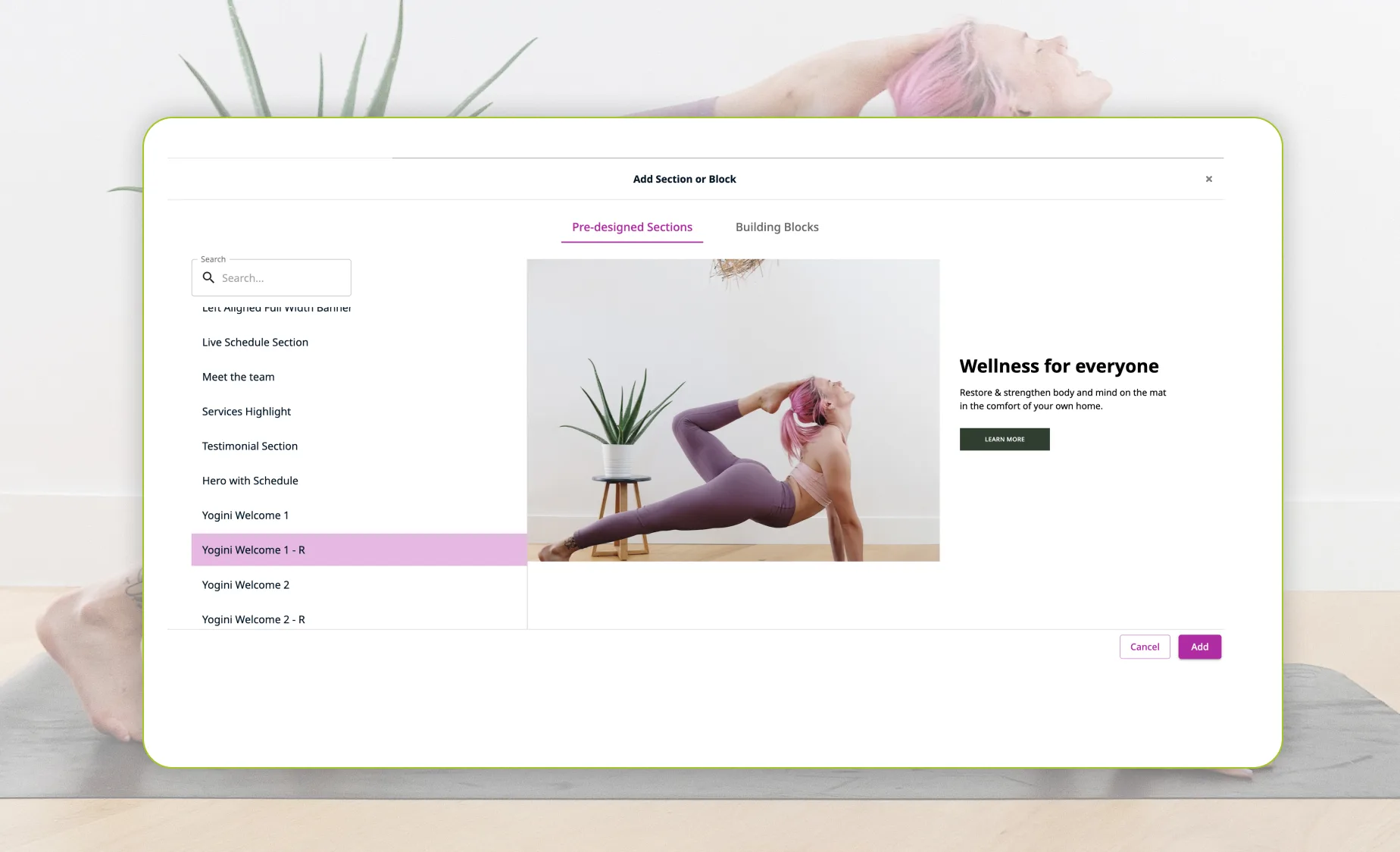
A real website built in
Punchpass embeds a booking page into a website you build and host somewhere else: Squarespace, Wix, WordPress, whatever you want to pay for. That’s one more subscription and one more thing to keep in sync.
OfferingTree includes a full website with hosting and a drag-and-drop builder in every plan, with your schedule, classes, memberships, and content built right into it. No second site subscription or plugin. And if you already have a site you don’t want to rebuild, you can embed OfferingTree into it instead: the same flexibility Punchpass offers, plus the option to go all-in-one when you’re ready.
 “It is really nice to have everything all in one place, so I’m not having to log into this and log into this and make sure this is communicating with this software”
 “It is really nice to have everything all in one place, so I’m not having to log into this and log into this and make sure this is communicating with this software”
— Samantha, Owner of Yoga Strong

Simple pricing without hidden fees
Our pricing lives on our website so you can do your own comparison. We make it transparent intentionally so you can easily see if OfferingTree vs Punchpass is right for you and your studio.
We offer plans that are great for both multi-instructor studios and solo teachers:
- All-in-one pricing: Studio plans come with all core booking and website features, plus the full marketing and CRM package. Nothing is hidden behind extra fees.
- Flexible commitments: Stay month-to-month with no long-term lock-in, or save money with an annual plan
- No surprise price increases: Predictable pricing that scales with you
Take a look for yourself how easy our pricing is!
“It was, ‘This is our price, and this is it. It’s not going to be changing after the first year, or by adding this feature or that feature.’ That’s huge for me because financially I can’t be taking on something that is going to keep going up in price.”
— Jenn Owner of Yoga4You
Human support plus a studio community
Switching platforms is the scary part, and luckily both Punchpass and OfferingTree offer data migration free. OfferingTree adds hands-on onboarding and additional help for studios, including:
- Free data migration: A dedicated account manager moves your clients, passes, memberships, and payment data
- White-glove onboarding: We set things up with you, on your timeline
- A roadmap that listens: Customer requests become real features
- Free coaching calls and a studio owner community: Peers and group sessions, included
“I am so happy to be with OfferingTree – having easy access to support has been so valuable. You all are easy to reach and very responsive – so different from other providers.”
— Valerie, Owner of Sunrise Yoga

No More Patchwork Solutions.
One Platform, All the Tools You Need.

Scheduling
Easy booking and scheduling for you and your clients.

Marketing

Website

On-Demand

Reporting
Everything You Need
Punchpass vs OfferingTree studio software FAQ
Should I choose OfferingTree or Punchpass?
Choose Punchpass if you already have a website you like and want a focused, well-built class management tool to handle booking, passes, and attendance. Choose OfferingTree if you want your website, scheduling, on-demand video, memberships, and email and SMS marketing in one platform, especially if you’d otherwise be paying for a website builder and an email tool alongside your scheduler.
How much does Punchpass cost compared to OfferingTree?
Punchpass runs three flat plans: $59/mo (Grow), $99/mo (Flow), and $149/mo (Pro), with new studios getting their first two months at half price and no Punchpass fees on top of Stripe processing. OfferingTree starts at $26/mo for individuals and $100 to $225/mo for studios, with the website, on-demand video, email, SMS, and memberships bundled in. Punchpass is cheaper on its own; OfferingTree is usually the simpler buy once you add the website and email tools Punchpass doesn’t include.
Does Punchpass have a website builder?
No. Punchpass embeds booking pages into a website you build and host elsewhere, and its Pro plan adds a customizable homepage for your schedule. OfferingTree includes a custom website with hosting and a drag-and-drop builder on every plan at no extra cost.
Which platform has lower transaction fees, Punchpass or OfferingTree?
They’re close to even. Punchpass charges no platform fees on any plan; you pay only standard Stripe processing. OfferingTree charges 0% additional transaction fees on Pro, Pro Plus, and all studio plans; only our lowest-priced Essentials plan carries a small platform fee, and we list it right on the pricing page.
Does OfferingTree have on-demand video like Punchpass?
Both offer a video content library. Punchpass caps it by tier, from 10,000 to 30,000 minutes. OfferingTree includes unlimited on-demand video hosting on studio plans, so if selling recorded classes is central to your business, there’s no minutes ceiling to manage.
Can I migrate from Punchpass to OfferingTree?
Yes. OfferingTree includes free hands-on data migration on eligible plans, with a dedicated account manager moving your client records, memberships, passes, and payment data. Most migrations take one day to four weeks depending on export speed, and you can meet with the team as many times as you need before going live.