
Only the follow-ups, check-ins, and reminders your members need
Send the right message to the right client at the right moment based on what they're actually doing in your studio. More first-timers convert, more members stay, and your team always knows who needs a personal touchpoint.
Start Free Trial.png)
.png)
.png)
Automations that go beyond standard follow-up sequences
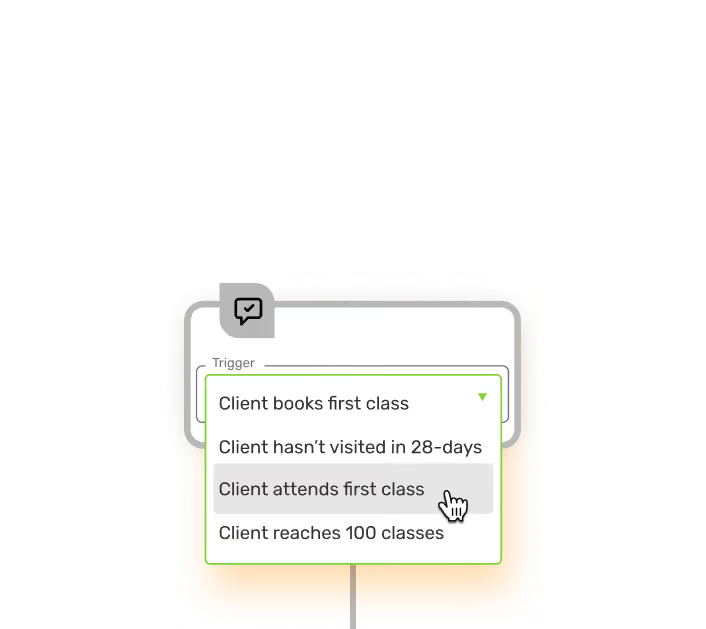
Triggers based on real studio behavior
Automations can fire based on almost any client action in your studio: their first class, a package purchase, a missed booking, a membership renewal, reaching a class milestone. Because it's all in the same platform, your triggers are based on what's actually happening.
.avif)
.avif)

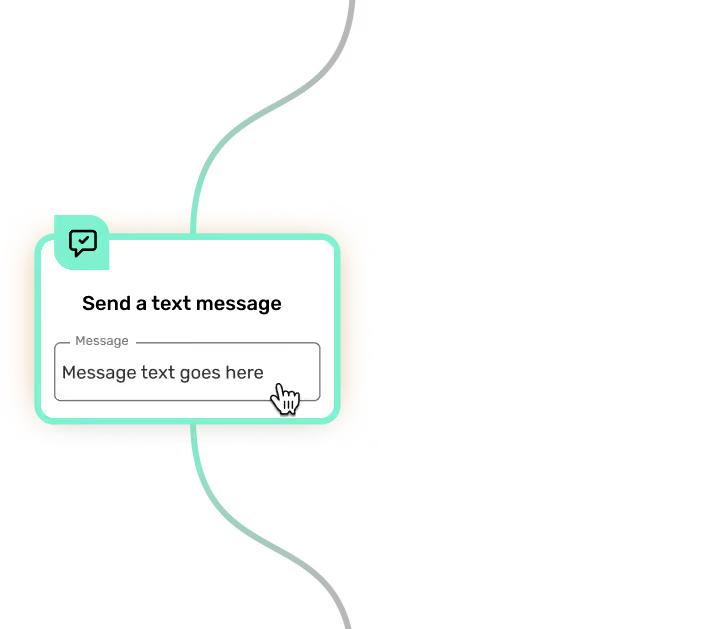
Send via email, text, or both
From a single automation, you can send an email, a text, or a sequence of both based on whichever channel is most likely to reach that particular client at that moment. No separate tool for email automations and another for texts.
.avif)
Update client data automatically
Automations aren't just for sending messages. They can also add tags, update custom fields in client profiles, or move clients into new segments based on their behavior. Your CRM stays current without anyone manually updating it.
.avif)
.avif)
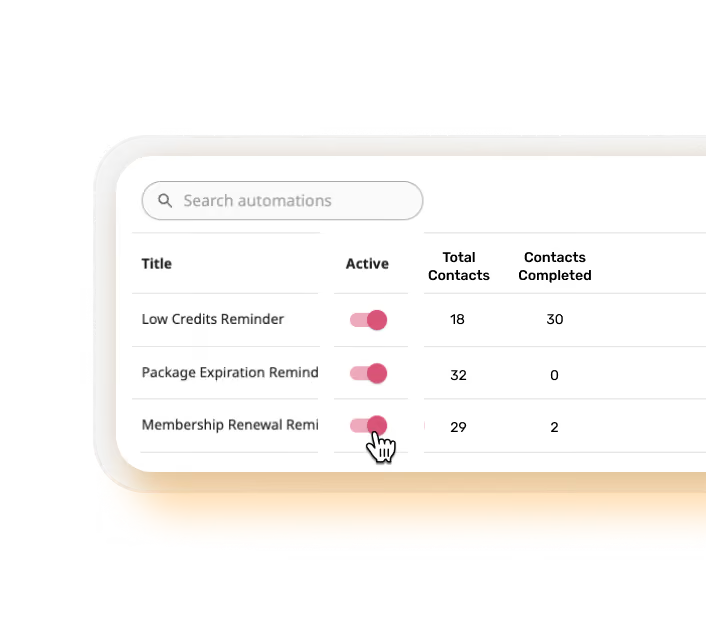
See exactly how your automations are performing
Automation reporting shows how many clients entered each sequence, how many completed it, and which steps are seeing the most drop-off. So you can improve what isn't working instead of just assuming the automation is doing its job.
.avif)
Studio owners who automated their communications
Our customers are the real heroes of OfferingTree

.svg)
.svg)
.avif)
Automations you set up in minutes, not hours
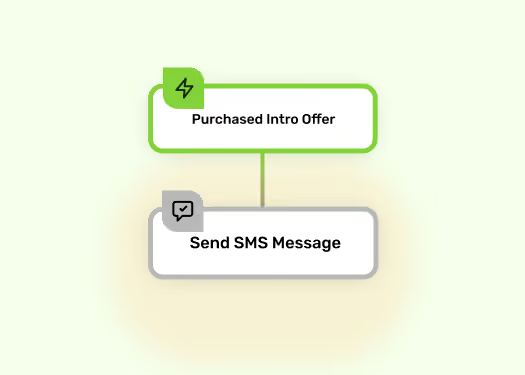
Intro offer follow-up
Automatically follow up with clients who purchase an intro offer to guide them toward a membership before it expires.
Intro offer follow-up
Automatically follow up with clients who purchase an intro offer to guide them toward a membership before it expires.
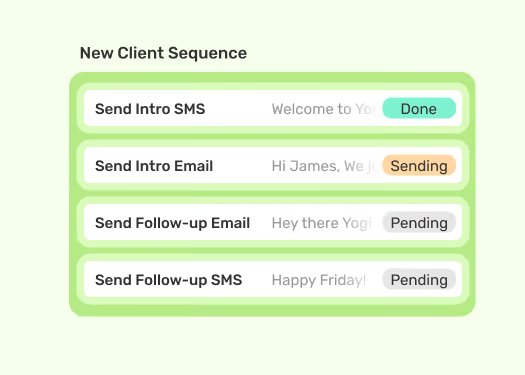
New client welcome series
Send a warm welcome sequence to every first-time client so they feel connected to your studio from day one.
New client welcome series
Send a warm welcome sequence to every first-time client so they feel connected to your studio from day one.

Lapsed client win-back
Trigger a check-in when a client hasn't booked in a set number of days, before they've made the decision to leave.
Lapsed client win-back
Trigger a check-in when a client hasn't booked in a set number of days, before they've made the decision to leave.
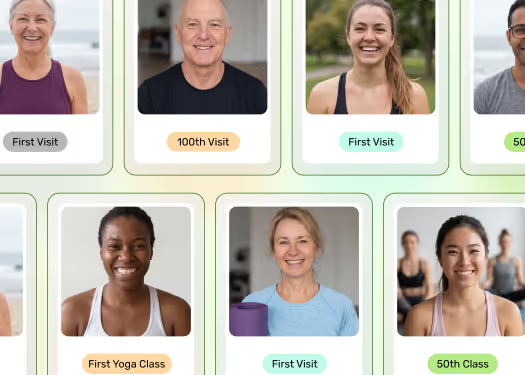
Milestone celebrations
Automatically recognize clients when they hit a class milestone with a personal message they'll remember, whether it's their 10th class, 50th, or 100th.
Milestone celebrations
Automatically recognize clients when they hit a class milestone with a personal message they'll remember, whether it's their 10th class, 50th, or 100th.
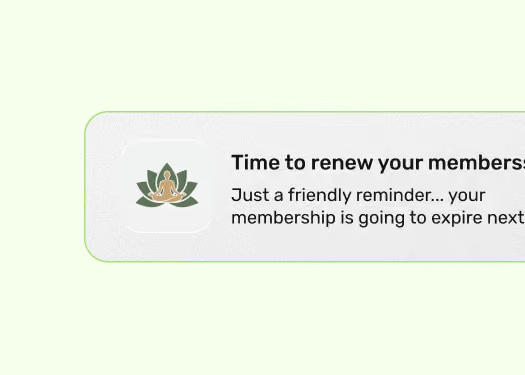
Package expiration reminders
Alert clients when their package or membership is about to run out so renewals happen naturally, not after an awkward gap.
Package expiration reminders
Alert clients when their package or membership is about to run out so renewals happen naturally, not after an awkward gap.
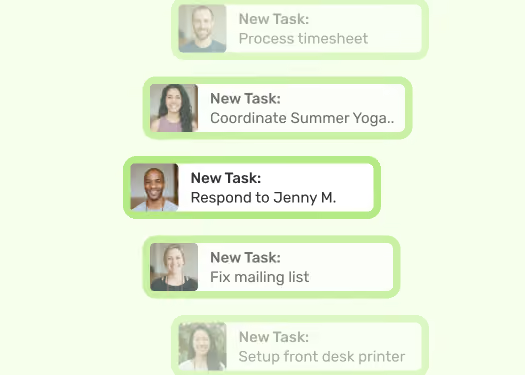
Staff task notifications
Route follow-up tasks to specific staff members automatically so no one gets missed and your team always has the context they need.
Staff task notifications
Route follow-up tasks to specific staff members automatically so no one gets missed and your team always has the context they need.
See how it works for your type of studio
Questions we hear a lot
Do I need any technical skills to set up automations?
What can trigger an automation?
Can automations send both emails and texts?
Can automations update client data in my CRM?
How do I know if my automations are actually working?
Can I set up automations that notify my staff, not just clients?
See OfferingTree in action
Test us out in with a free playground mode to see how OfferingTree would work for you. It's pre-loaded with a schedule, registrations, payments and other data
Play with it